
Automating a Real Estate Agency in 2026: Telegram Mini App for Listings, Search, and Leads
How a real estate agency automates its listings catalog, parameterised search, lead capture, viewing bookings, and agent workflow. With a live Mini App demo.
- #real-estate
- #automation
- #telegram
- #mini-apps
- #listings
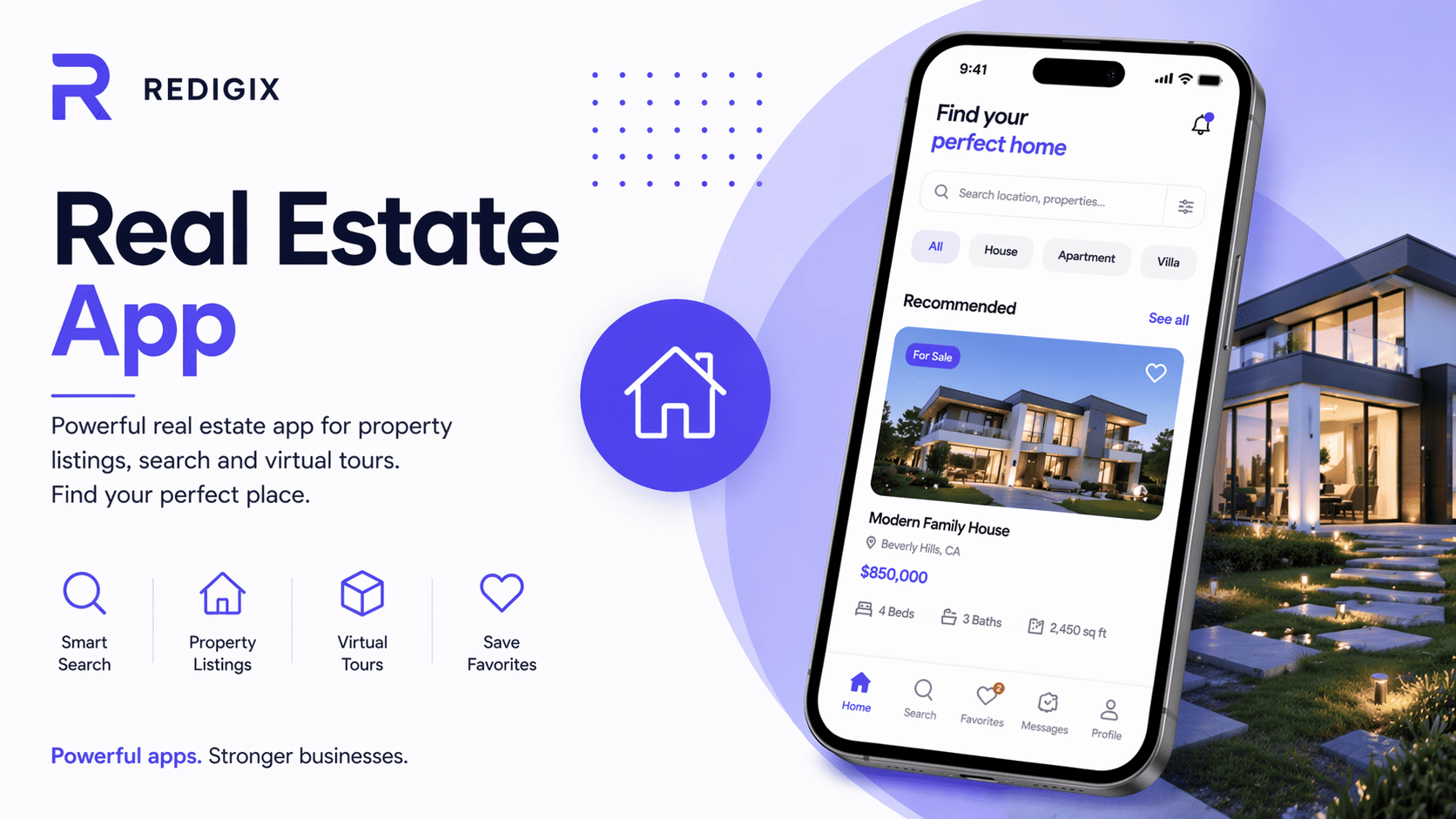
The real estate market moves fast. Good listings disappear within hours. A client searching for a flat doesn't want to scroll a PDF catalog emailed to them — they want a map, filters, photos, and the ability to message an agent right away. An agency that doesn't offer this loses to one that does.
A Telegram Mini App lets an agency own its "mini Zillow" inside a messenger — without a native app, without any installs on the client side.
Typical real estate agency pains
- Catalog in Google Drive or PDF — client opens a 50-page file, can't find what they want, goes to a competitor.
- Leads get a reply in 24 hours — agent was busy, client already went to another agency.
- No new-listing alerts — client searched for a 2-bedroom near the park → agency found one a week later → client already bought elsewhere.
- Contracts and documents sent by email, prone to getting lost.
- No transparency across deal stages — client calls asking "what stage is my contract at?".
What to automate in real estate
1. Listings catalog with map and filters
Client opens the Mini App → sees a map with listings, filters by price, rooms, district, area, floor. Each listing — photos, description, 3D tour, agent contact.
2. Saved searches with notifications
"Looking for a 2-bedroom in Charlottenburg, €1500-2200, with a balcony". When a new matching listing is added — client gets a Telegram notification within seconds.
3. Viewing booking
Client picks a listing → sees the agent's available slots → books. Agent doesn't keep a notebook, doesn't call back "when are you free?".
4. Automatic agent assignment
A new lead for a specific property is automatically assigned to the agent responsible for that location or type. No "whoever answers first takes the client".
5. Virtual tours and documents
Listing has a 3D tour → client previews at home → arrives at the physical viewing already decided. Documents (extracts, technical papers) — on the listing, client sees them without asking.
6. CRM integration for agents
All leads from the Mini App flow into the CRM (Bitrix, HubSpot, amoCRM, kommo). Deal stages, comments, documents — synced.
7. Online rental application
Prospective tenant fills in the Mini App: credit score, occupation, employer type, documents. Agent sees the application instantly with all required data.
8. Manager dashboard
Each agent's workload, lead-to-viewing and viewing-to-deal conversion, average margin. Manager sees who closes well and who needs help.
Bot, Mini App, or website for an agency
| Tool | Best for | Not ideal for |
|---|---|---|
| Telegram bot | New listing alerts, quick questions, deal status | Visual catalog browsing with filters |
| Telegram Mini App | Catalog with map, filters, 3D tours, application | SEO (primary lead flow comes from Google) |
| Website | SEO ("buy an apartment [district]"), listings with photos, credibility | Repeat engagement (clients respond better on Telegram) |
Before and after
Before:
- Agent replies to a lead in 4-6 hours
- Clients see the catalog in PDF or Excel
- New listings don't reach clients who searched for them a week ago
- Manager doesn't know which agent is handling what in real time
After:
- Leads reach the agent within seconds, with full context
- Client filters the catalog themselves and comes to viewings with a specific shortlist
- Saved searches auto-surface matching new listings
- Manager sees the dashboard in real time
Live demo
Check out the ready solution — a Mini App for a real estate agency with catalog, map, filters:
→ Open the real estate demo in Telegram
How we roll it out
- Audit (2-3 days) — listings count, CRM in use, agents count, locations, current lead sources.
- Design (5-7 days) — search UX, listing card, map integration.
- Build (5-8 weeks) — catalog, filters, leads, CRM integration, agent panel.
- Data import (1-2 weeks) — migrate listings from the current system.
- Launch and support — agent training, conversion improvements.
Cost
The final cost depends on scope: number of features, integrations with your systems, catalog size, process specifics. A basic solution with core functionality typically takes 2-4 weeks of work; a full version with extended logic and integrations — 6-10 weeks.
We'll give you a concrete quote after a short call to understand your priorities and scope.
Next step
Want to discuss launching a solution like this for your agency — @RedigixManager. We'll look at your current portfolio, CRM integrations, and growth plans.