
Automating a Restaurant in 2026: a Telegram Mini App for Menu, Orders and Reservations
How a restaurant moves from phone orders and paper menus to a digital Telegram Mini App for menu, ordering, and table reservations. With a real demo.
- #restaurant
- #automation
- #telegram
- #mini-apps
- #ordering
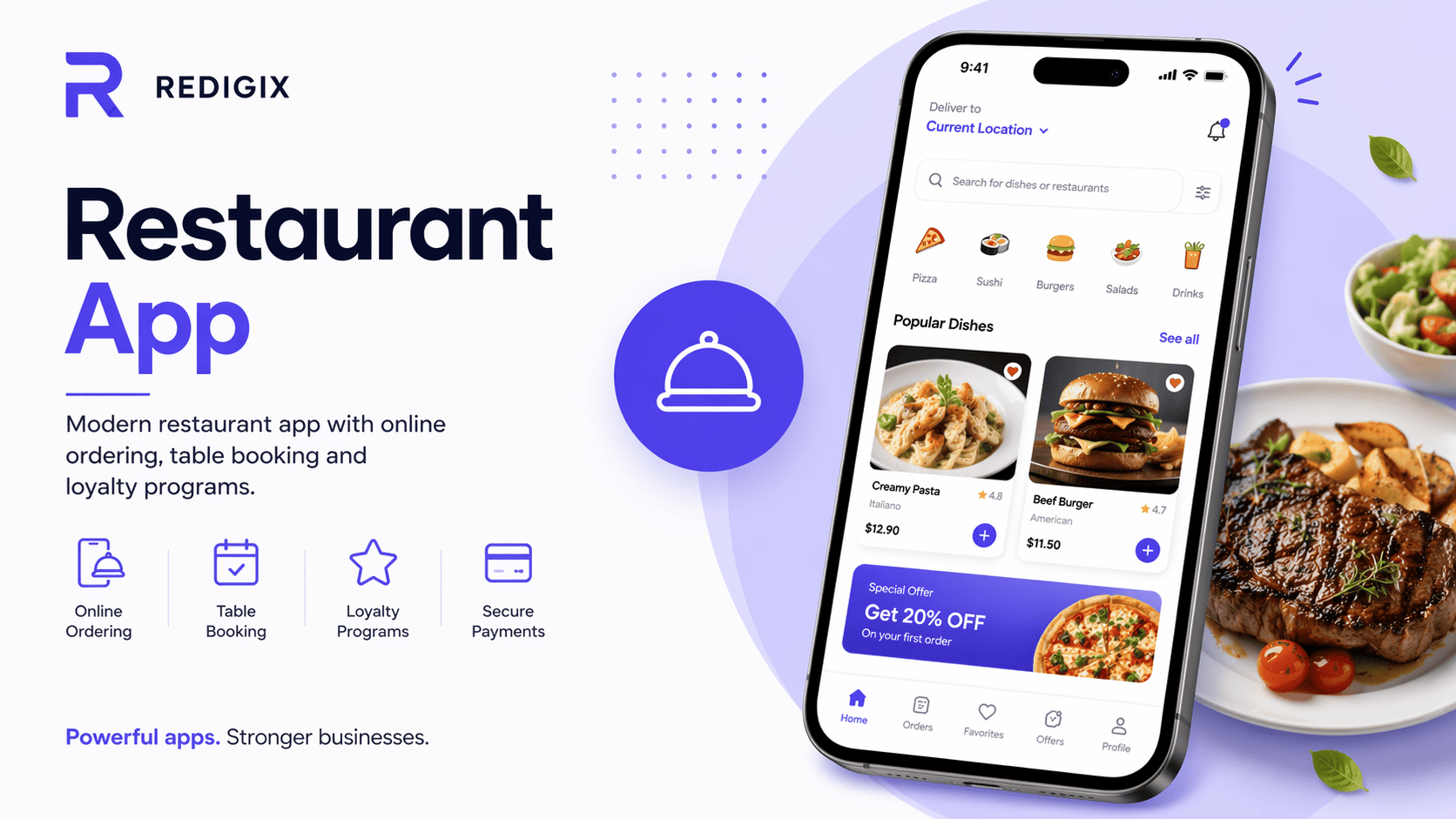
Restaurants run on thin margins. Every missed reservation, every wrong order, every hour of admin overhead is money walking past the register. In 2026 the restaurants that stay competitive are the ones that take orders and serve guests faster, more accurately, and with fewer errors.
A Telegram Mini App, bot and website cover virtually every digital process a restaurant has: menu, reservations, takeaway, delivery, loyalty, reviews.
Typical restaurant pains
- Phone orders — the host juggles two to three calls during lunch rush. Errors and confusion are guaranteed.
- Paper menu — every price change or 86-list means a reprint. Plus handing out and collecting physical menus for every guest.
- Kitchen can't see the queue — a waiter forgets to punch in the order, the kitchen finds out 10 minutes later.
- Reservations — Instagram DMs, calls, a paper notebook at the host stand. Missed reservations = lost revenue.
- Regulars don't come back systematically — no loyalty, no nudges about specials.
What to automate in a restaurant
1. Digital menu with photos
Guest scans the QR on the table → a Mini App opens with the menu, dish photos, descriptions, allergens, prices. Change a price in 5 seconds instead of reprinting 50 brochures. Add an 86-list — one click.
2. Order from the table
Guest orders right from their phone, kitchen sees it on a tablet. Waiters stop running back and forth for small items and focus on what matters — service quality and upselling drinks and desserts.
3. Reservations with a live floor map
Guest sees the floor plan, picks a table, date and time. The host doesn't keep a paper log. An automatic 2-hour-before reminder cuts no-shows.
4. Takeaway and delivery
Full menu in the bot, cart, pickup time, online payment. Guest doesn't wait on the phone, restaurant doesn't fear losing an order due to a misheard address.
5. Upsell at checkout
Before confirming the order: "Add a sauce to the pizza? Discounted drink? Dessert for the evening?". Automatic upsell raises the average check with no extra staff effort.
6. Loyalty program
Points for orders, birthday discount, referral rewards. All in Telegram — no plastic cards that always get lost.
7. Kitchen display (KDS)
Orders from Mini App and the dining room land in one kitchen queue. Cook times are visible, hot food doesn't sit, every ticket is colour-coded by priority.
8. Reviews and analytics
After the visit — automatic "How was it?". Low rating → manager gets a notification instantly. Owner sees a dashboard: revenue, average check, top dishes, table turn time.
Bot, Mini App, or website — what to choose for a restaurant
| Tool | Best for | Not ideal for |
|---|---|---|
| Telegram bot | Quick reservations, reminders, simple orders | Full menu with photos and a cart |
| Telegram Mini App | Full digital menu, table ordering, loyalty | Google search (not indexed) |
| Website | SEO (people search "restaurant in Berlin"), Google reviews | Day-to-day ordering (harder than scanning a QR) |
Before and after automation
Before:
- The host spends 50% of lunch rush on the phone
- Waiter walks to each table 4-5 times per order
- Half of the guests never return — nobody remembered them
- 86-list is passed verbally, errors are common
After:
- Table ordering takes load off waiters, they have time to sell drinks and desserts
- Kitchen sees the queue in real time, cook times go down
- Guests return thanks to loyalty and promo nudges
- 86-list and menu changes are one click, no printing
Live demo
We built a Mini App for a restaurant — open it in Telegram, browse the menu, add to cart, place an order. Real UX, not slides:
→ Open the restaurant demo in Telegram
How we roll it out
- Analyse current flow (1-2 days) — guest count, average check, biggest pains, current POS.
- Menu and UX design (3-5 days) — prototype, dish photos, table-ordering scenario.
- MVP build (3-4 weeks) — menu, cart, orders, payments, kitchen display.
- Team training (1 week) — admin, waiters, kitchen.
- Ongoing support — we add loyalty, reservations, dashboards based on real data.
Cost
The final cost depends on scope: number of features, integrations with your systems, catalog size, process specifics. A basic solution with core functionality typically takes 2-4 weeks of work; a full version with extended logic and integrations — 6-10 weeks.
We'll give you a concrete quote after a short call to understand your priorities and scope.
Next step
Want to see how it would look for your restaurant? Message us: @RedigixManager. We'll do a call, show the demo, and quote what it would cost for your format.